The Breakerbox Line Diagram tool lets you build and visualize electrical circuit diagrams on a drag-and-drop canvas. Pick components from a built-in library, place them, and connect them. Clean diagrams for new builds and major renovations without the headaches of legacy software.
Try Line Diagram Free
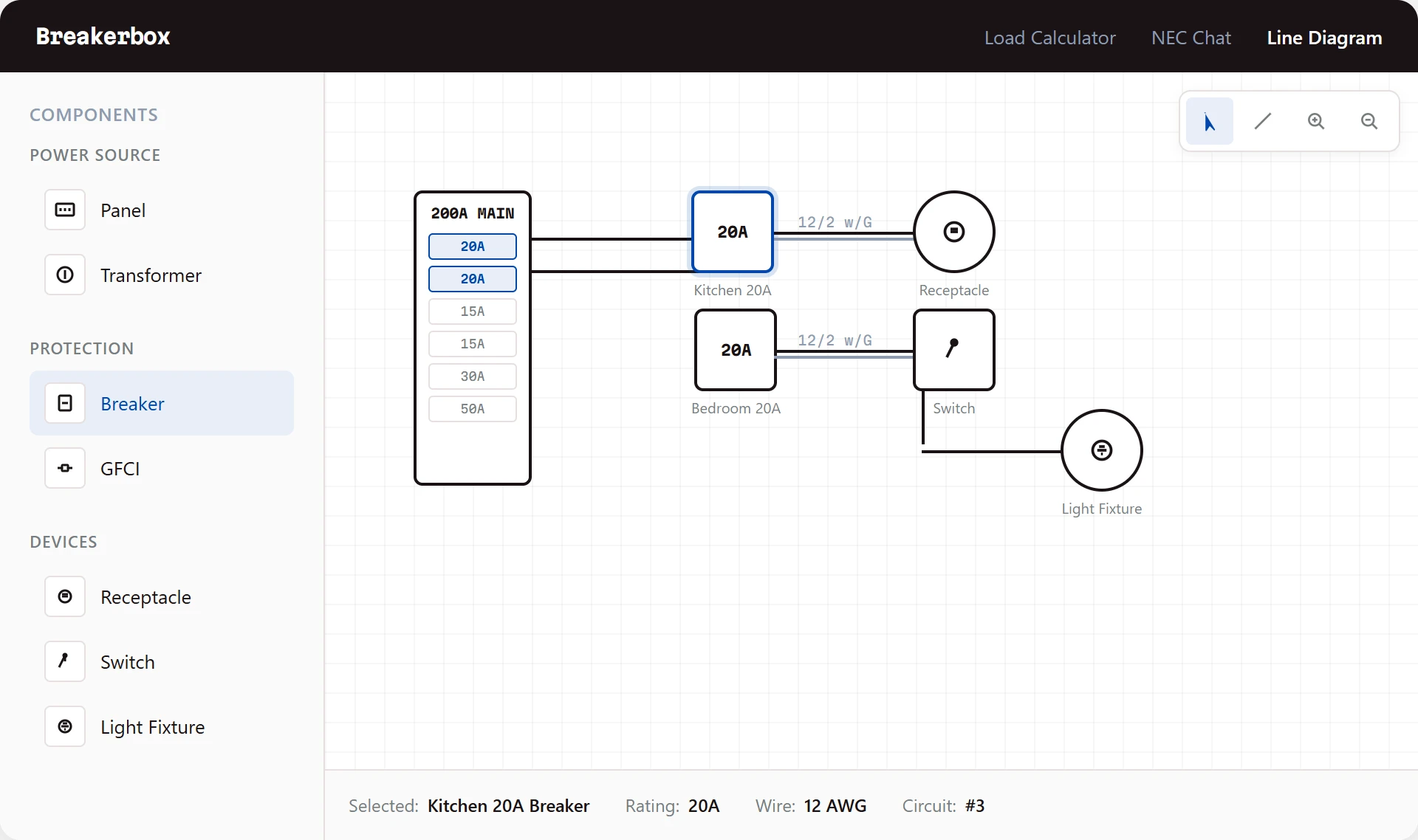
A simple canvas tool for building electrical diagrams that look professional and are easy to share.
Place components on a canvas and connect them with a click. No drawing skills needed. Just drag, drop, and wire it up.
Choose from a built-in library of electrical components. Panels, breakers, switches, receptacles, and more are ready to use.
Diagrams come out looking professional. Share them with inspectors, general contractors, or your own crew with confidence.
No software to install or update. Open your browser and start drawing. Works on your laptop, tablet, or desktop.
Customer testimonial coming soon. We are collecting feedback from early users of Line Diagram.
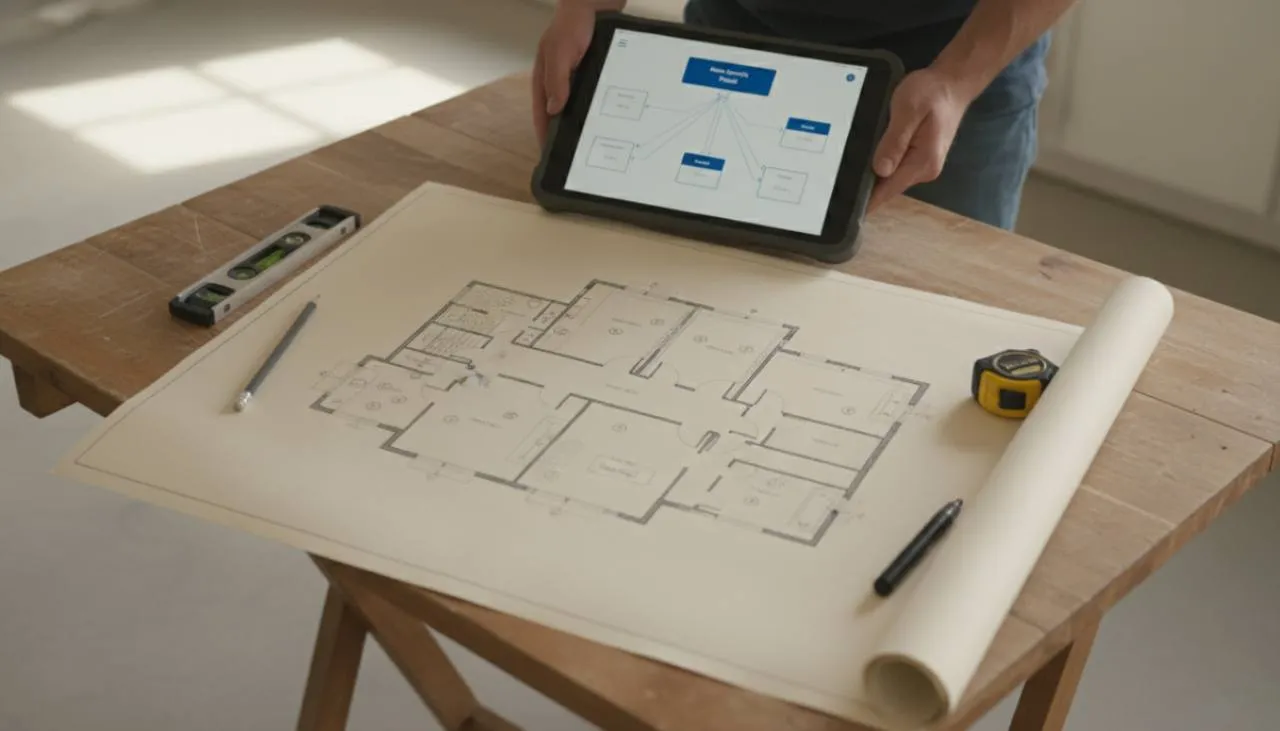
You have a set of architectural plans for a new house and need to map out every circuit. Open Line Diagram, drop in your panel, add your breakers, and lay out the branch circuits room by room. When you are done, you have a clean diagram to hand off to the GC or submit for permit review.
Hand-drawn diagrams are hard to read and impossible to edit. Old diagramming software is expensive and painful to learn. Line Diagram gives you a clean, editable diagram in your browser. Make changes on the fly and share it with anyone who needs it.